Partner Banks
Role Required: SOCIETY_ADMIN
Navigation: Sidebar → Settings → Partner Banks
Last Updated: March 2026 | Portal Version: 1.0
Overview
Partner Banks are financial institutions that provide home loan / plot financing options to your society's members. This page lets you manage the list of banks that citizens can approach for financing their plot purchases.
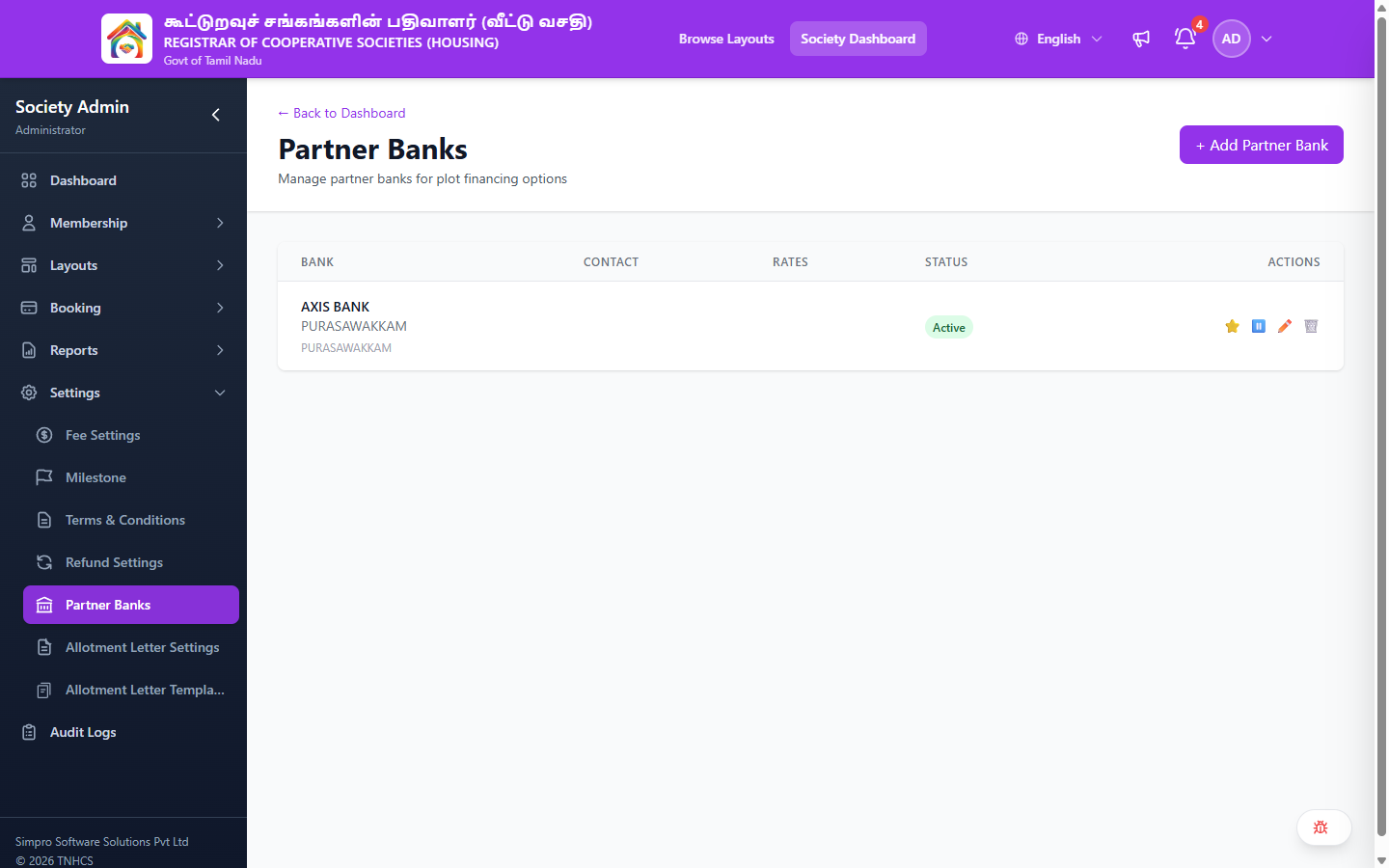
Page Layout
Header Actions:
- ← Back to Dashboard — Returns to admin dashboard
- + Add Partner Bank — Add a new partner bank
Partner Banks Table
| Column | Description |
|---|---|
| Bank | Bank name, branch, and area |
| Contact | Contact person or details (if configured) |
| Rates | Interest rates or loan details (if configured) |
| Status | Active or Inactive |
| Actions | ⭐ Set as primary · ⏸️ Pause/Deactivate · ✏️ Edit · 🗑️ Delete |
Managing Partner Banks
Adding a Bank
- Click + Add Partner Bank
- Enter bank details (name, branch, contact information, rates)
- Save the entry
Actions Available
| Action | Icon | Description |
|---|---|---|
| Set as Primary | ⭐ | Mark this bank as the preferred/primary financing partner |
| Pause | ⏸️ | Temporarily deactivate the bank listing |
| Edit | ✏️ | Modify bank details |
| Delete | 🗑️ | Remove the bank from the list |
Related Pages
- Booking Management — Citizens may select financing options during booking
- Settings — Other society configuration options