Offline Refunds
Role Required: SOCIETY_ADMIN
Navigation: Sidebar → Booking → Offline Refunds
Last Updated: March 2026 | Portal Version: 1.0
Overview
When a booking had offline payments (cash, cheque, NEFT, etc.) and is cancelled, the refund for those offline payments must be processed manually by the admin. This page tracks all offline refund transactions and their processing status.
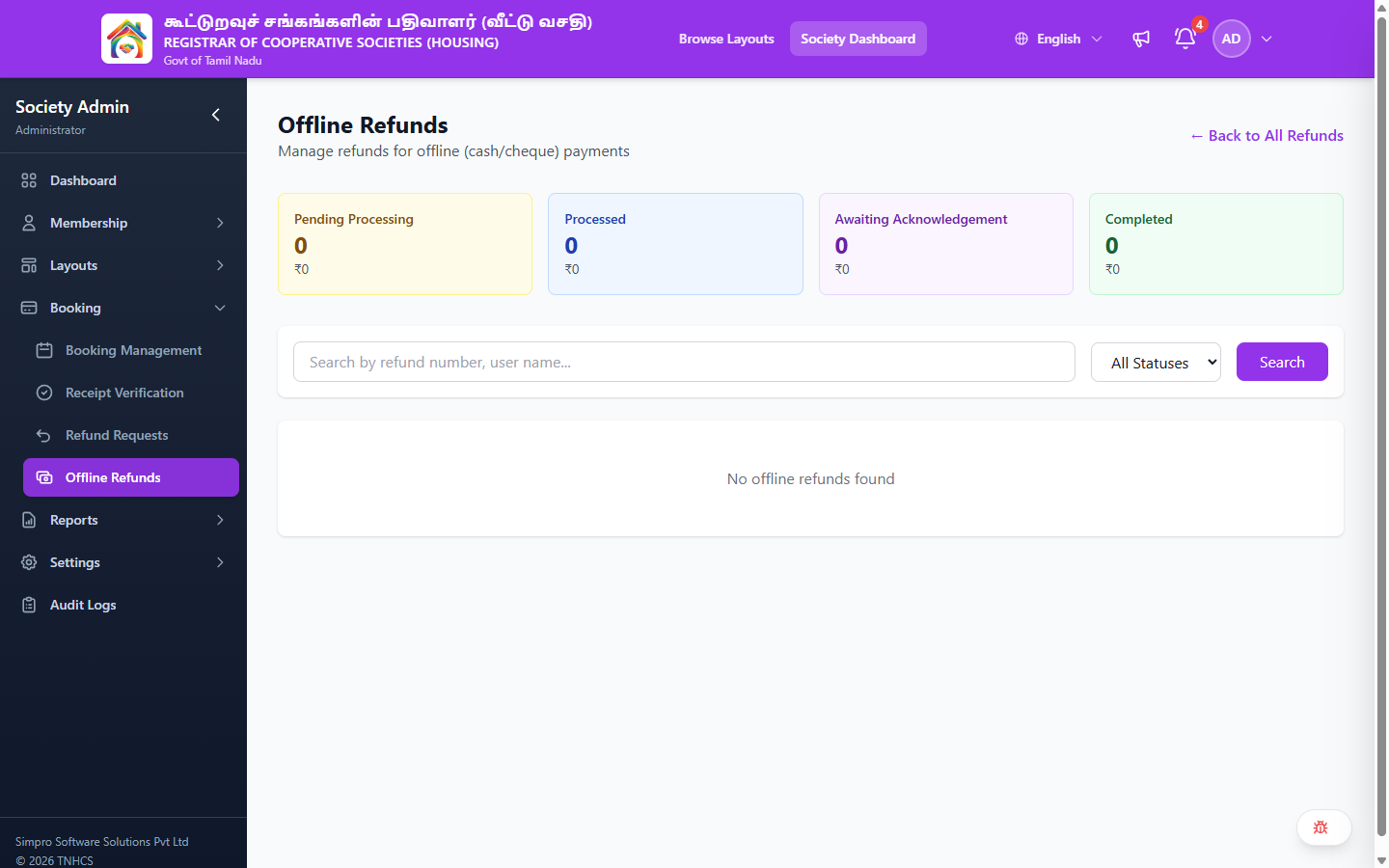
Offline Refunds List View
Header:
- Heading: Offline Refunds
- Subtitle: Manage refunds for offline (cash/cheque) payments
- ← Back to All Refunds — Returns to the main Refund Management page
Summary Cards:
| Card | Description |
|---|---|
| Pending Processing | Count and amount of offline refunds awaiting admin action |
| Processed | Count and amount of refunds that have been processed (payment sent) |
| Awaiting Acknowledgement | Count and amount of refunds waiting for citizen acknowledgement |
| Completed | Count and amount of fully completed offline refunds |
Search & Filters:
| Control | Description |
|---|---|
| Search | Search by refund number or user name |
| Status Filter | Dropdown — All Statuses, Pending, Processed, Verified |
When no offline refunds exist, the page shows: "No offline refunds found"
How Offline Refunds Work
Offline refunds are part of the broader Refund Management workflow:
- A booking with offline payments is cancelled
- The refund is approved by an admin
- Online payment refunds (if any) are processed through the payment gateway
- Remaining offline amounts appear here as Pending offline refund transactions
- Admin processes the refund manually (cheque/bank transfer)
- Admin marks the refund as Processed with reference details
- A different admin Verifies the offline refund (Maker-Checker)
- Status moves to Completed
Processing an Offline Refund
- Find the pending offline refund in the list
- Click to open the refund details
- Arrange the actual refund payment to the citizen (bank transfer, cheque, etc.)
- Mark the refund as Processed and enter:
- Payment mode used
- Transaction/reference number
- Date of payment
- Another admin must then Verify the processed refund
Maker-Checker
The same admin who processed the offline refund cannot verify it. This dual-control prevents fraud.
Related Pages
- Refund Management — Full refund lifecycle and status flow
- Receipt Verification — Similar Maker-Checker flow for payment verification
- Recording Offline Payments — Recording incoming offline payments